
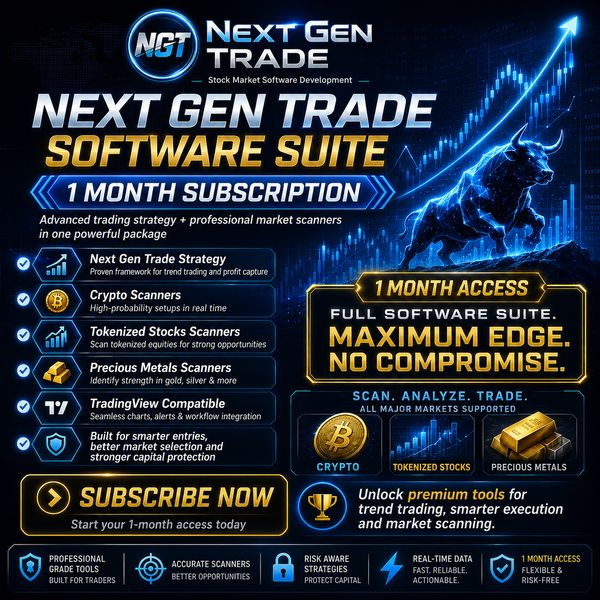
NEXT GEN TRADE Software Suite – 1-Month Subscription: USD 30
In the Social Link field, please enter the link to your Telegram username, for example: https://t.me/yourusername
(You can find your Telegram username under Settings — for example, @yourusername. Tap or click on your username to view it.
If you do not have a Telegram account, please enter the following instead: https://t.me/1234)
Please save the Payment ID that appears after completing your payment.
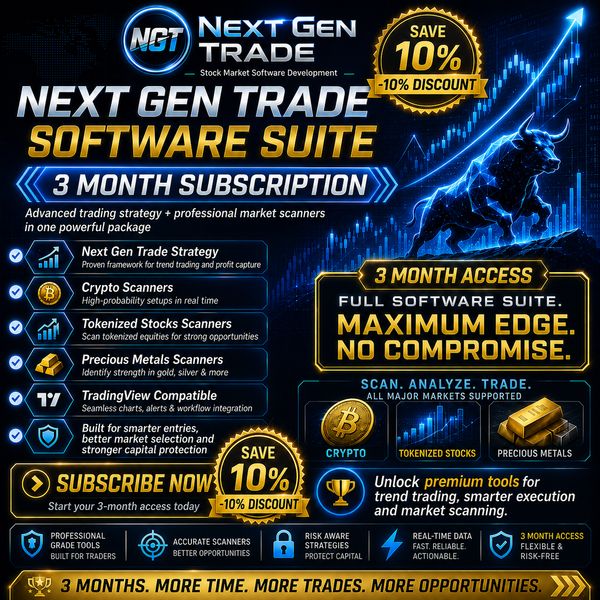
NEXT GEN TRADE Software Suite – 3-Month Subscription: USD 81
In the Social Link field, please enter the link to your Telegram username, for example: https://t.me/yourusername
(You can find your Telegram username under Settings — for example, @yourusername. Tap or click on your username to view it.
If you do not have a Telegram account, please enter the following instead: https://t.me/1234)
Please save the Payment ID that appears after completing your payment.
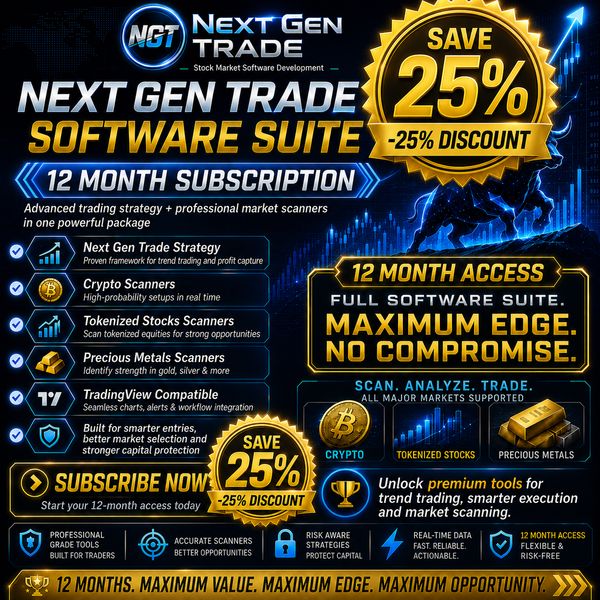
NEXT GEN TRADE Software Suite – 12-Month Subscription: USD 270
In the Social Link field, please enter the link to your Telegram username, for example: https://t.me/yourusername
(You can find your Telegram username under Settings — for example, @yourusername. Tap or click on your username to view it.
If you do not have a Telegram account, please enter the following instead: https://t.me/1234)
Please save the Payment ID that appears after completing your payment.
HOW TO PAY WITH CRYPTO
Subscribe to the NGT Software Suite in Just a Few Simple Steps
Paying for your NEXT GEN TRADE Software Suite subscription is fast and easy with NOWPayments.
1. Choose your subscription plan
Select the 1-Month, 3-Month or 12-Month NGT Software Suite subscription.
2. Complete the NOWPayments form
Enter the requested information, including your Telegram Social Link.
3. Select your cryptocurrency
Choose the cryptocurrency you would like to use for payment. NOWPayments will display the exact amount, wallet address and payment details for your transaction.
4. Send the payment from your wallet or exchange
Open your crypto wallet or exchange account, select Withdraw / Send, and transfer the required amount to the address provided by NOWPayments.
IMPORTANT: Always make sure that you select the correct cryptocurrency and blockchain network before confirming the withdrawal.
5. Save your Payment ID
After completing the payment, please save the Payment ID displayed by NOWPayments. We may need it to identify and verify your subscription payment.
THAT’S IT — YOUR NGT JOURNEY CAN BEGIN
Once your payment is confirmed, your subscription can be processed and you can start using the NGT Software Suite on TradingView.